

3D
A 3D project is a plain interactive 3D scene without any tracking or immersive session. It renders into a regular canvas perfect for games, product viewers, configurators, embedded scenes, dashboards, and any web-deployable 3D experience.
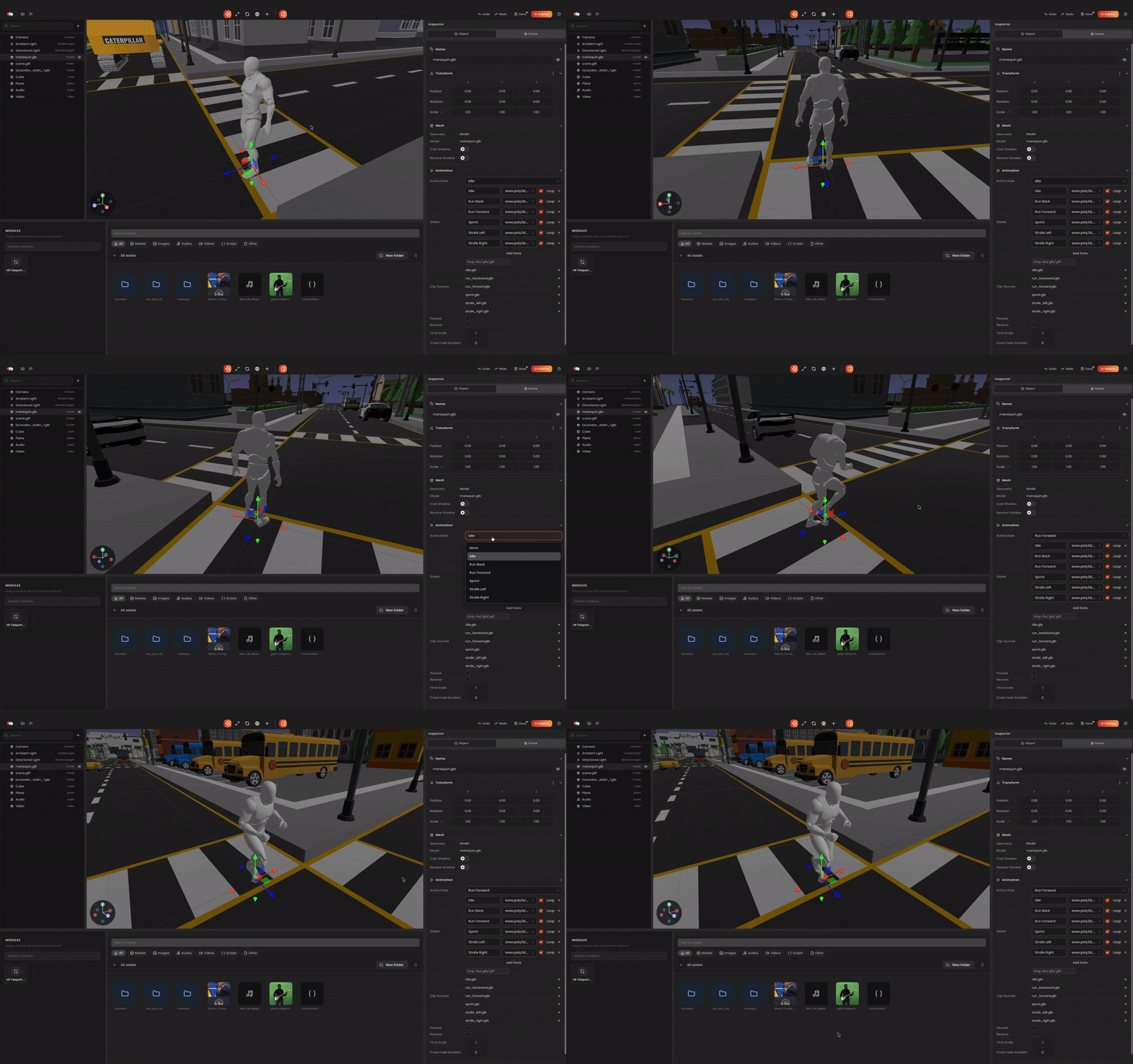
What's different in this project type
- The default scene includes a perspective camera with orbit controls and basic lighting.
- The runtime renders into a standard canvas with no WebXR session, no device camera, no tracker bootstrap.
- Postprocessing is available; tracking-related panels (image targets, face anchors, hit-test) are hidden.
- Output is suited for embedding on the web or shipping inside another app.
Workflow
- Add scene content: meshes, models, lights, cameras.
- Tune the environment: skybox, fog, lighting (see Scene Inspector).
- Wire up scripts: pointer interactions, animations, UI logic via
Behaviourscripts. - Preview: runs in the editor's preview window using a standard 3D camera rig.
Tips
- Pick this type when you want a 3D experience without AR/VR overhead.
- Combine with orbit / pan / zoom behaviours for product-viewer use cases.
- Postprocessing has a runtime cost — disable it for low-end targets.
Related
- Custom Behaviours — interactive scripts.
- Component Catalog.