

Project Types
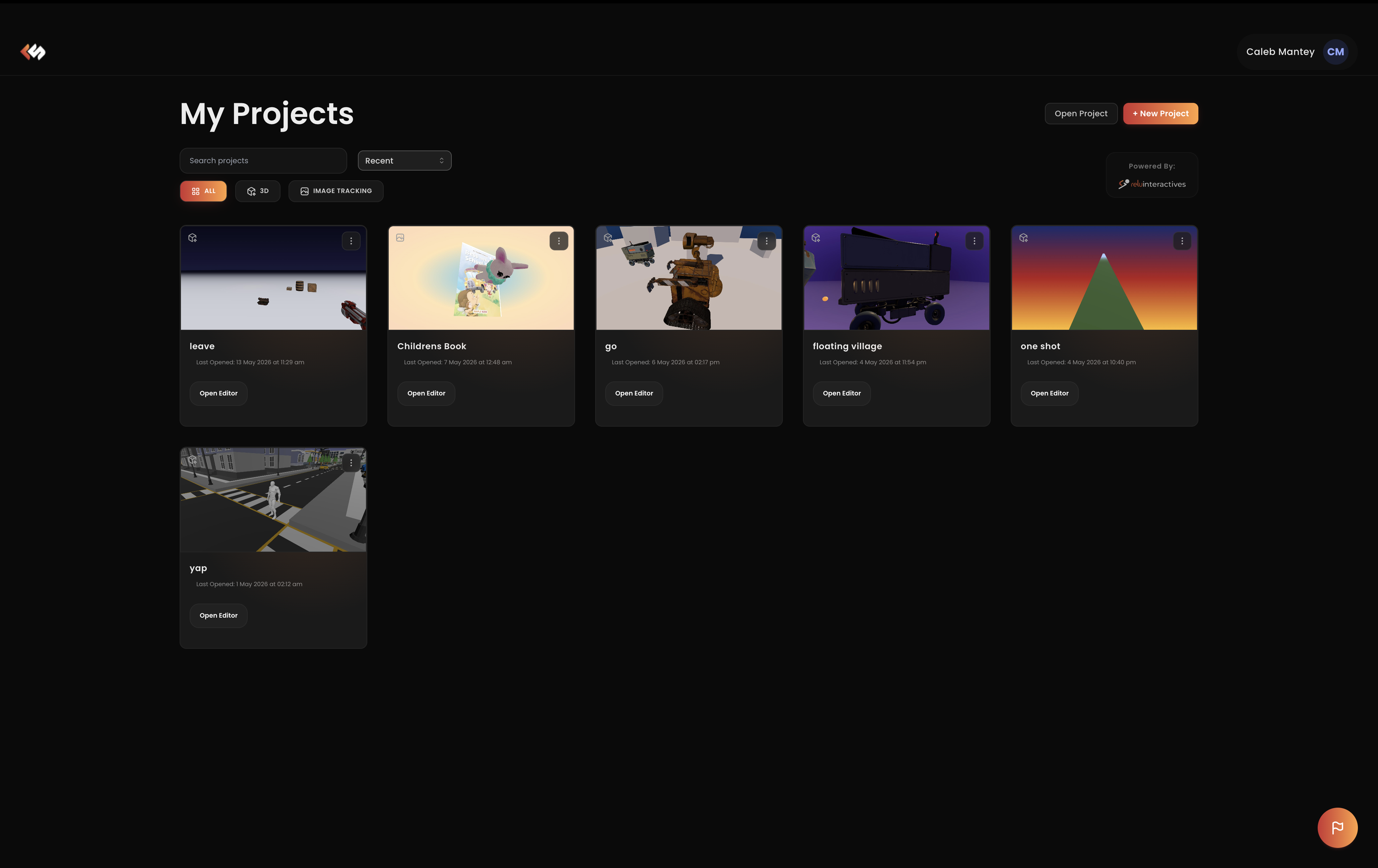
When you create a new project you need to choose a project type. The type determines:
- the default scene seeded into the project,
- which components and panels are available in the inspector,
- how the runtime initializes the camera, tracking, and rendering pipeline,
- which publish targets are valid.
You can't change a project's type after creation, so pick the one that matches the experience you intend to ship.
Available project types
| Type | Best for |
|---|---|
| Image Tracking | AR experiences anchored to printed images, posters, or product packaging. |
| 3D | Plain interactive 3D scenes, games, product viewers, configurators, embedded experiences. |
| Face Tracking | Face filters, avatars, and try-on experiences. (Coming Soon) |
| VR | Fully immersive virtual reality scenes for headsets. |
| AR | World-space augmented reality without a specific anchor. (Coming Soon) |
TIP
If you're not sure, start with 3D, it has the simplest scene setup with no tracking or device requirements. You can always create a second project to try a tracking-based or immersive type.