

Installation
The Relu Spatial editor is distributed as a desktop application for macOS, Windows, and Linux.
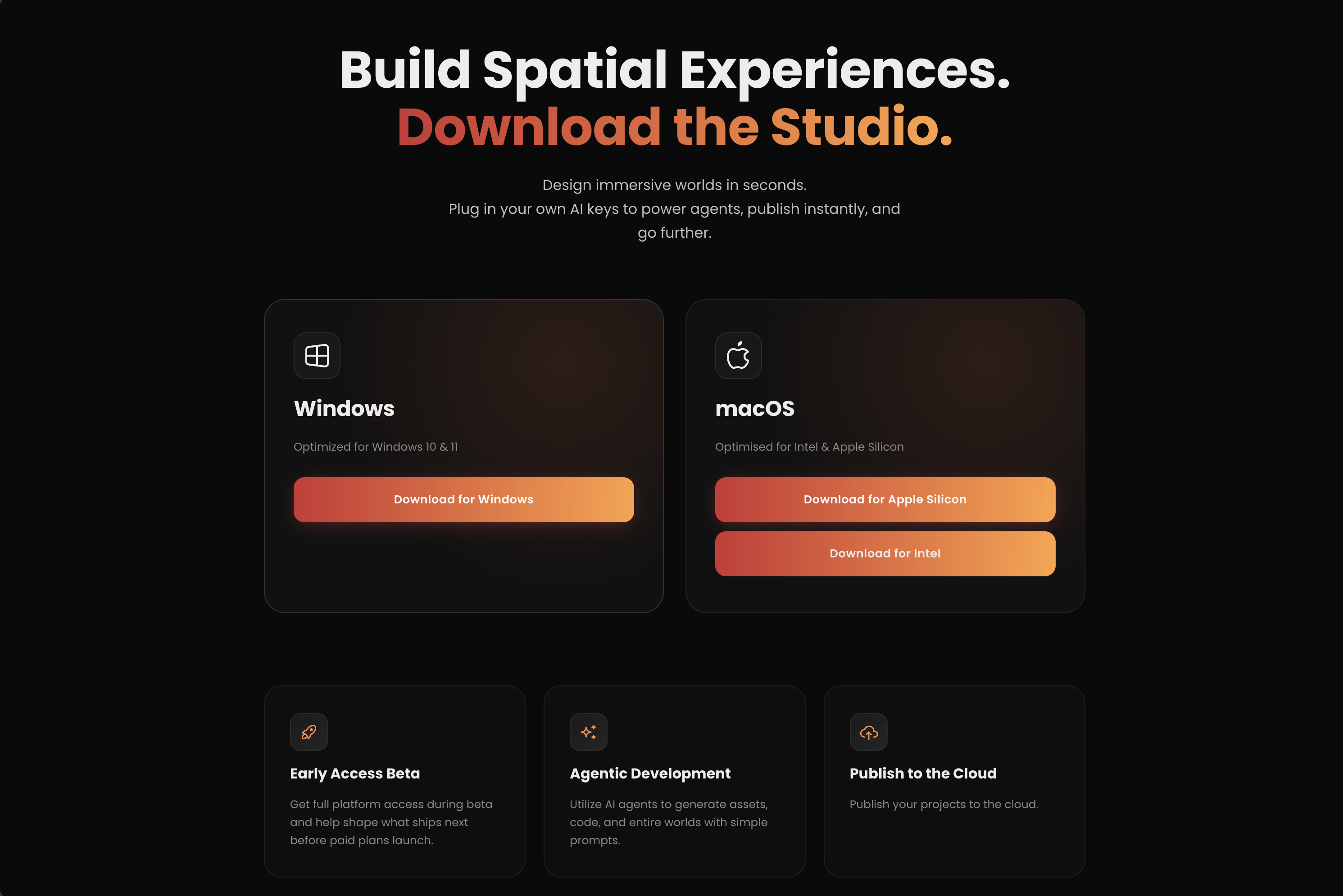
Download
Get the latest installer from the official downloads page:
System requirements
| Requirement | Minimum | Recommended |
|---|---|---|
| OS | macOS 12, Windows 10, Ubuntu 22.04 | macOS 14+, Windows 11, Ubuntu 24.04 |
| CPU | 4-core x64 / Apple Silicon | 8-core x64 / Apple Silicon (M2 or newer) |
| RAM | 8 GB | 16 GB+ |
| GPU | WebGL2-capable, 1 GB VRAM | Dedicated GPU with 4 GB+ VRAM |
| Storage | 2 GB free | 10 GB+ free for asset-heavy projects |
| Display | 1440 × 900 | 1920 × 1080 or higher |
IMPORTANT
The editor uses GPU-accelerated rendering for the viewport and image-target compilation. Integrated graphics work for simple scenes but are noticeably slower on large models or postprocessing-heavy environments.
Platform-specific notes
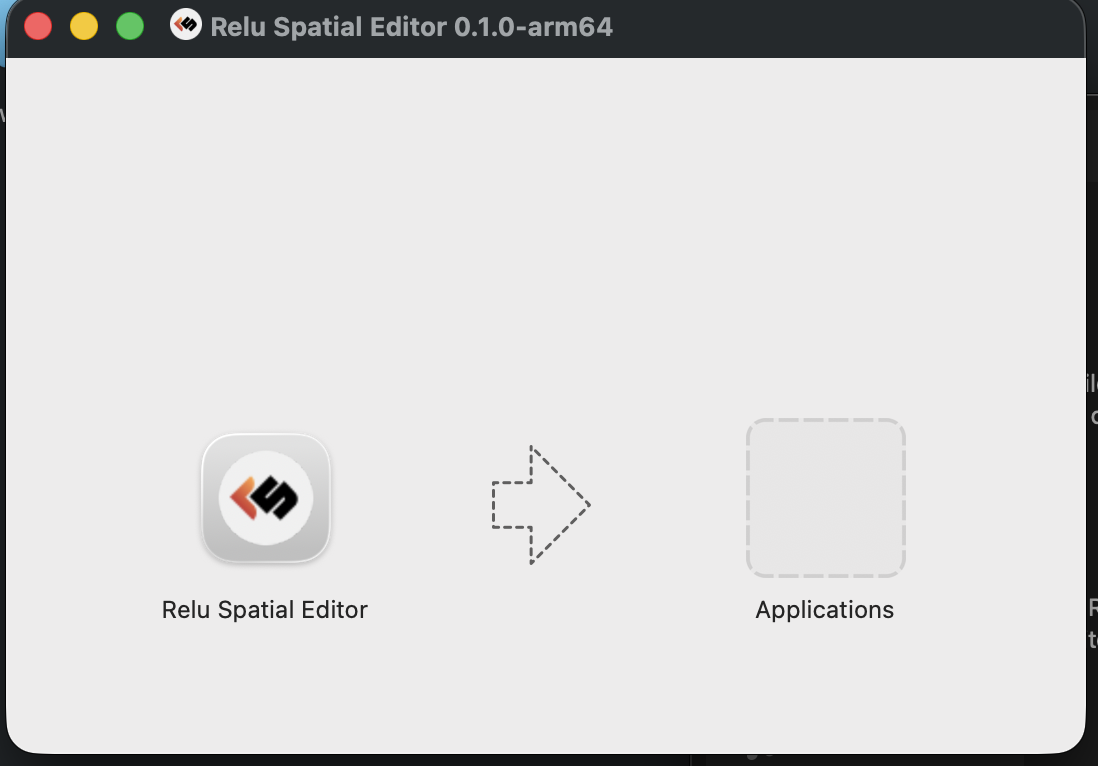
macOS
- Open the downloaded
.dmg. - Drag Relu Spatial into your
Applicationsfolder. - The first launch prompts macOS Gatekeeper open System Settings → Privacy & Security and click Open Anyway if needed.
Windows
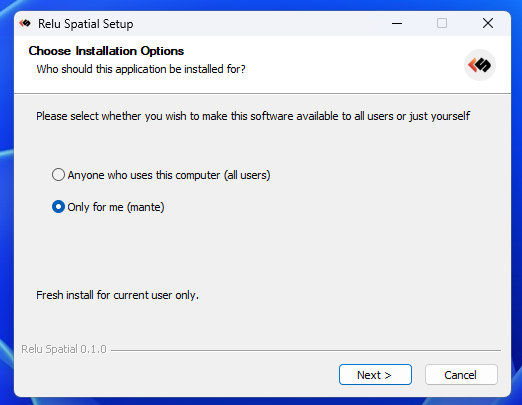
- Run the downloaded
.exeinstaller. - Follow the wizard to choose an install location.
- Allow Relu Spatial through Windows SmartScreen on first launch if prompted.
Next
Once installed, continue to Launching the editor for the first time.