

Viewport
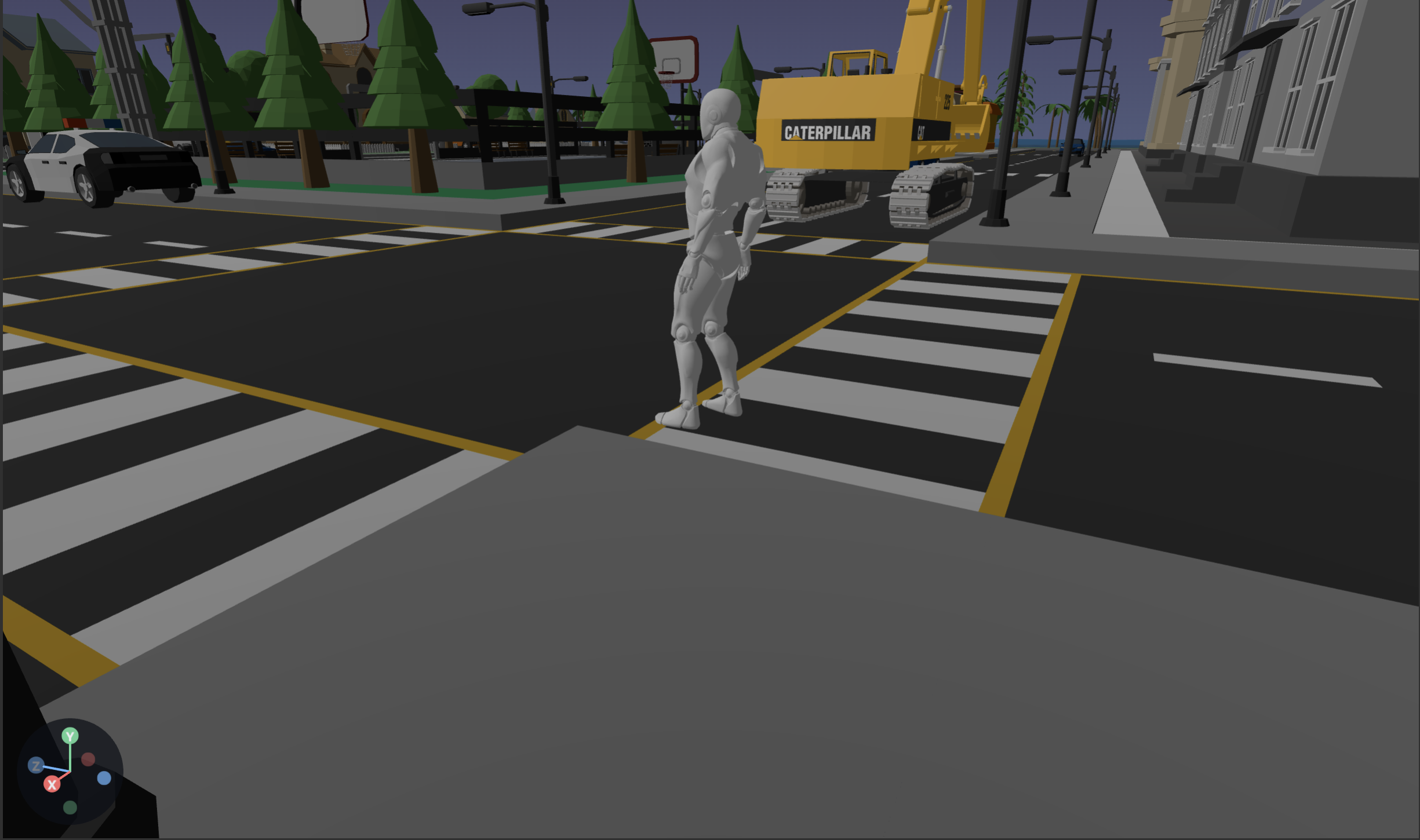
The viewport is the central live 3D view of your scene. You navigate the editor camera with the mouse and keyboard, and you transform entities with on-screen gizmos.
Camera navigation
| Input | Action |
|---|---|
Alt / Option + Left mouse drag | Orbit (look around). |
Shift + Alt / Option + Left mouse drag | Pan. |
| Mouse wheel | Zoom in / out. |
F | Focus on the selected entity. |
Shift + F | Frame and focus on the selected entity. |
The bottom-left axis gizmo shows the current orientation of the editor camera. Click an axis to snap the view to that direction.
Selecting
- Left-click an object to select it.
- Click empty space to deselect.
Escalso deselects.
Transform gizmos
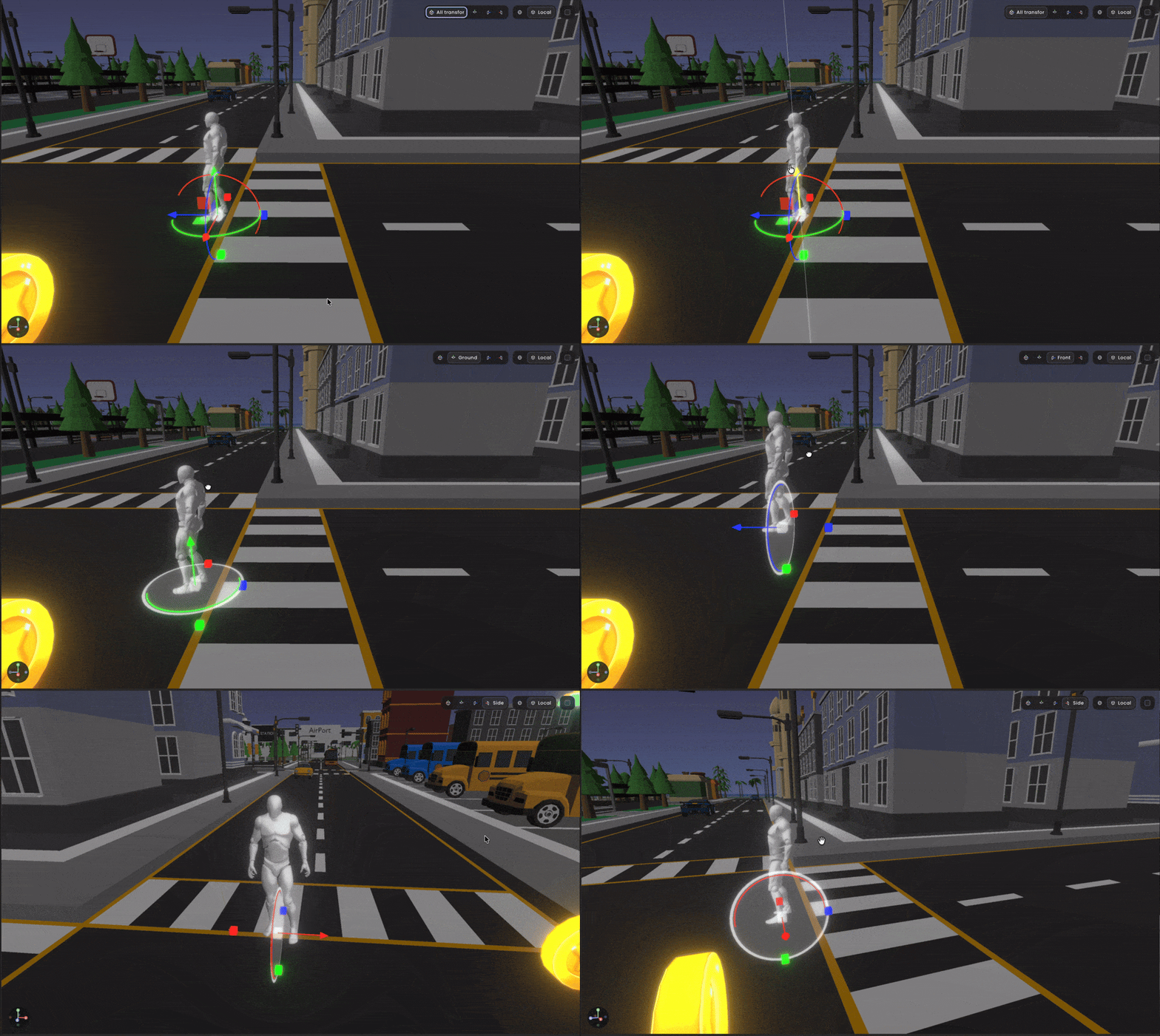
When an entity is selected, a gizmo appears at its origin. Switch the active mode from the transform mode controls on the top right of the viewport or with the keyboard:

| Key | Mode |
|---|---|
q | All transform modes |
w | Ground mode (moves objects on the ground plane). |
e | Front mode (moves objects on the front plane). |
r | Side mode (moves objects on the side plane). |
Drag a colored arrow / ring / handle to constrain the operation to that axis. Hold Shift while dragging to enable snapping or in any of the plane mode drag an object on that plane.
Related
- Toolbar - transform tool buttons.
- Keyboard shortcuts - the full list.