

Launching the Editor for the First Time
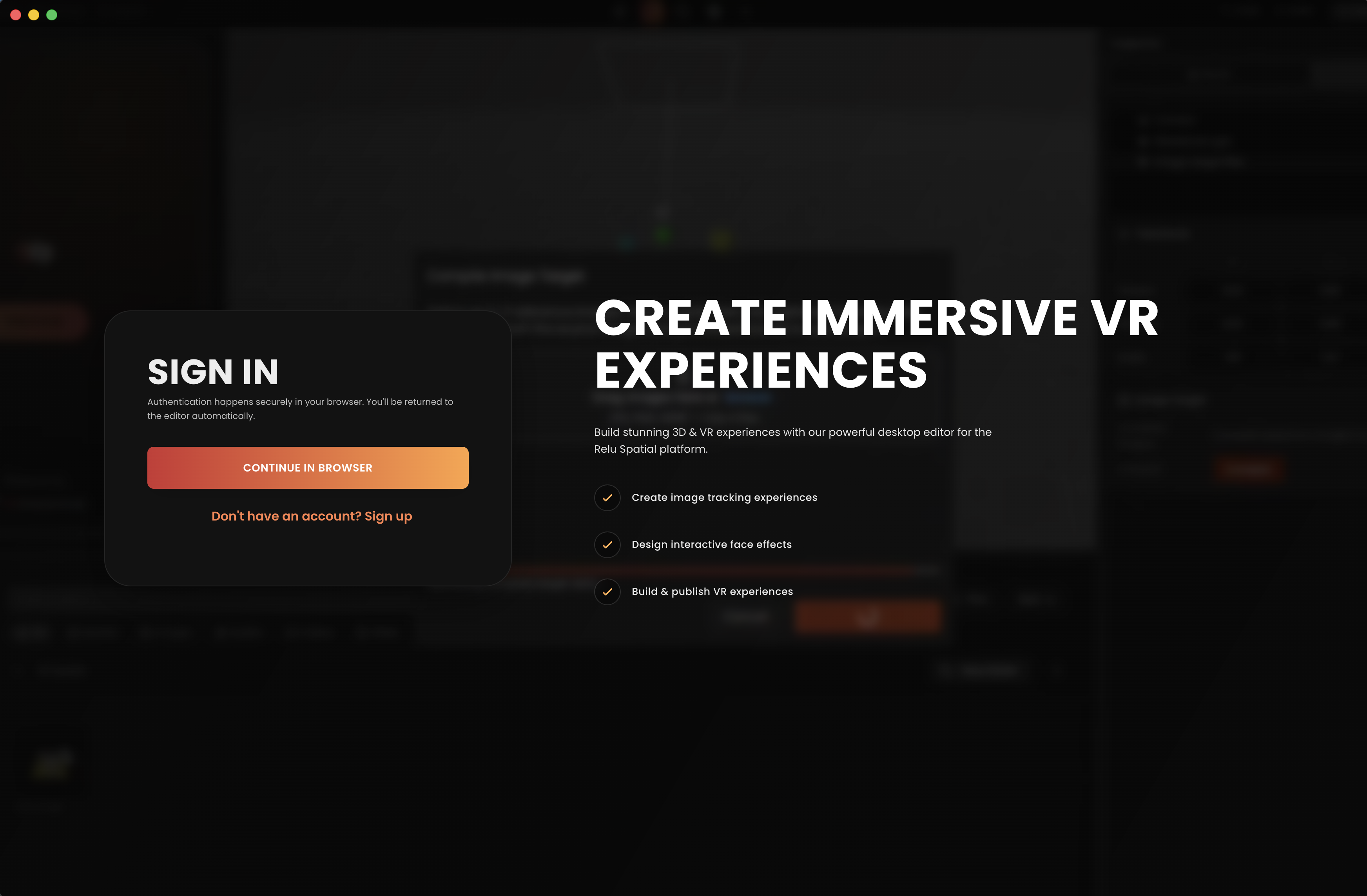
When you start Relu Spatial for the first time you will be prompted to sign in or create an account. Authentication uses your default web browser so the flow is the same as the web dashboard.
Sign in or sign up
Click Sign in or Sign up on the welcome screen. Your default browser opens, you complete the flow there, and the browser redirects you back into the editor signed in.
After signing in
Once authentication succeeds, the editor opens the Projects dashboard. Before you can create or open a project, you must pick where projects live on disk see the next page.