

Image Target Anchor
Marks an entity as an anchor for an image-tracking target. The image tracking system reveals the entity when the referenced target is found and hides it when the target is lost.
Editor inspector
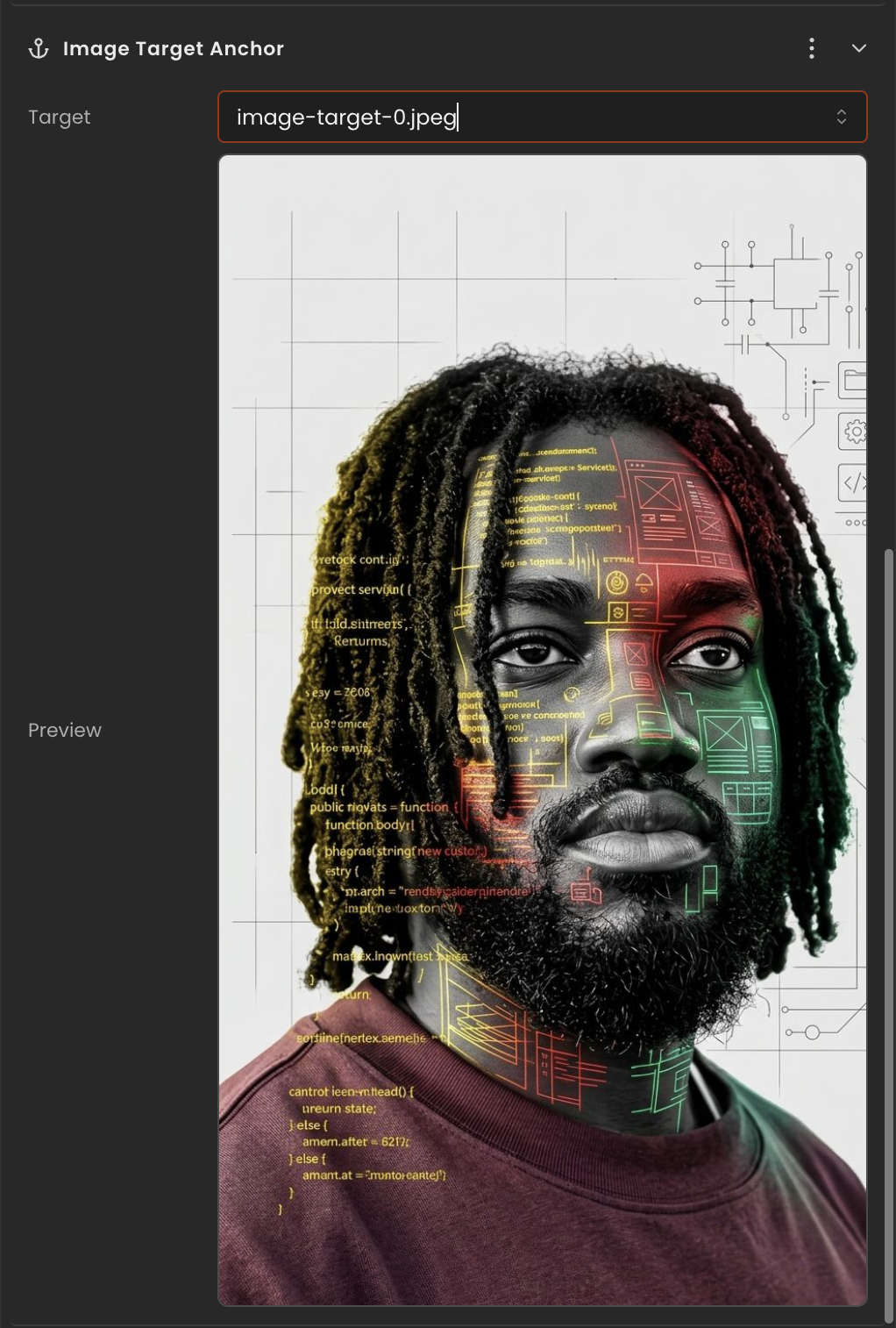
Properties
| Property | Type | Description |
|---|---|---|
targetId | number | null | Tracked target id this anchor follows. null when unbound. |
targetUrl | string | Canonical target image URL, retained as a fallback identifier. |
API reference
- Class:
ImageTargetAnchor - Source:
core/components/ImageTargetAnchor.ts
Scripting examples
Component access patterns
Use this.getComponent(X) to access a component on the entity this script is attached to. Use this.world.getEntityByName to find another entity by name, then this.world.getComponent to read its component:
// Component on the entity this script is on
const anchor = this.getComponent(ImageTargetAnchor);

// Component on another entity, found by its scene name
const other = this.world.getEntityByName("CardTarget");
if (other) {
  const anchor = this.world.getComponent(other.entityId, ImageTargetAnchor);
}
Run logic when the anchor becomes visible or hidden
The image-tracking system sets Object3DRef.visibility on anchor entities when a target is found or lost. Use that flag as an event edge detector to trigger game logic.
Anchor vs. target entity
Attach this script to the anchor child entity (the one with ImageTargetAnchor), not to the root entity that has ImageTarget. The tracking system operates on the anchor and its Object3DRef.visibility, not on the target root.
Via ComponentInput in the inspector
You can also pick this component from the inspector using a ComponentInput field. Assign any entity in the inspector and the field resolves to the live ImageTargetAnchor instance at runtime.
import {
  Behaviour,
  type ComponentInput,
} from "@relu-interactives/spatial-ecs";
import {
  ImageTargetAnchor,
} from "@relu-interactives/spatial-ecs/components";

export default class Example extends Behaviour {
  data = {
    targetAnchor: {
      type: "component",
      value: null,
    } as unknown as ComponentInput,
  };

  protected onUpdate() {
    const anchor = this.data.targetAnchor.value as ImageTargetAnchor | null;
    if (!anchor) return;
    // Use the live component instance.
  }
}
Via EntityInput in the inspector
Alternatively, pick an entity from the inspector using an EntityInput field and then read the component off that entity via world.getComponent:
import {
  Behaviour,
  type EntityInput,
  type WorldEntityView,
} from "@relu-interactives/spatial-ecs";
import {
  ImageTargetAnchor,
} from "@relu-interactives/spatial-ecs/components";

export default class Example extends Behaviour {
  data = {
    targetEntity: { type: "entity", value: null } as unknown as EntityInput,
  };

  protected onUpdate() {
    const entity = this.data.targetEntity.value as WorldEntityView | null;
    if (!entity) return;

    const anchor = this.world.getComponent(
      entity.entityId,
      ImageTargetAnchor,
    ) as ImageTargetAnchor | null;
    if (!anchor) return;
    // Use the component on the picked entity.
  }
}